

Block
The Block tool draws a block: a rectangle on the plan with a height, for what takes up room and isn’t a wall, a pillar, a shaft, a piece of furniture that isn’t in the catalogue.
Picking it
Section titled “Picking it”- Elements in the dock, then Block (pillars, shafts), or BB.
- The search (⌘KCtrl+K): type Block.
The tool has no options: its bar holds its name, what to do and where the pointer is.

Using it
Section titled “Using it”- Press the pointer on one corner and drag to the opposite one; or click one corner, then the other.
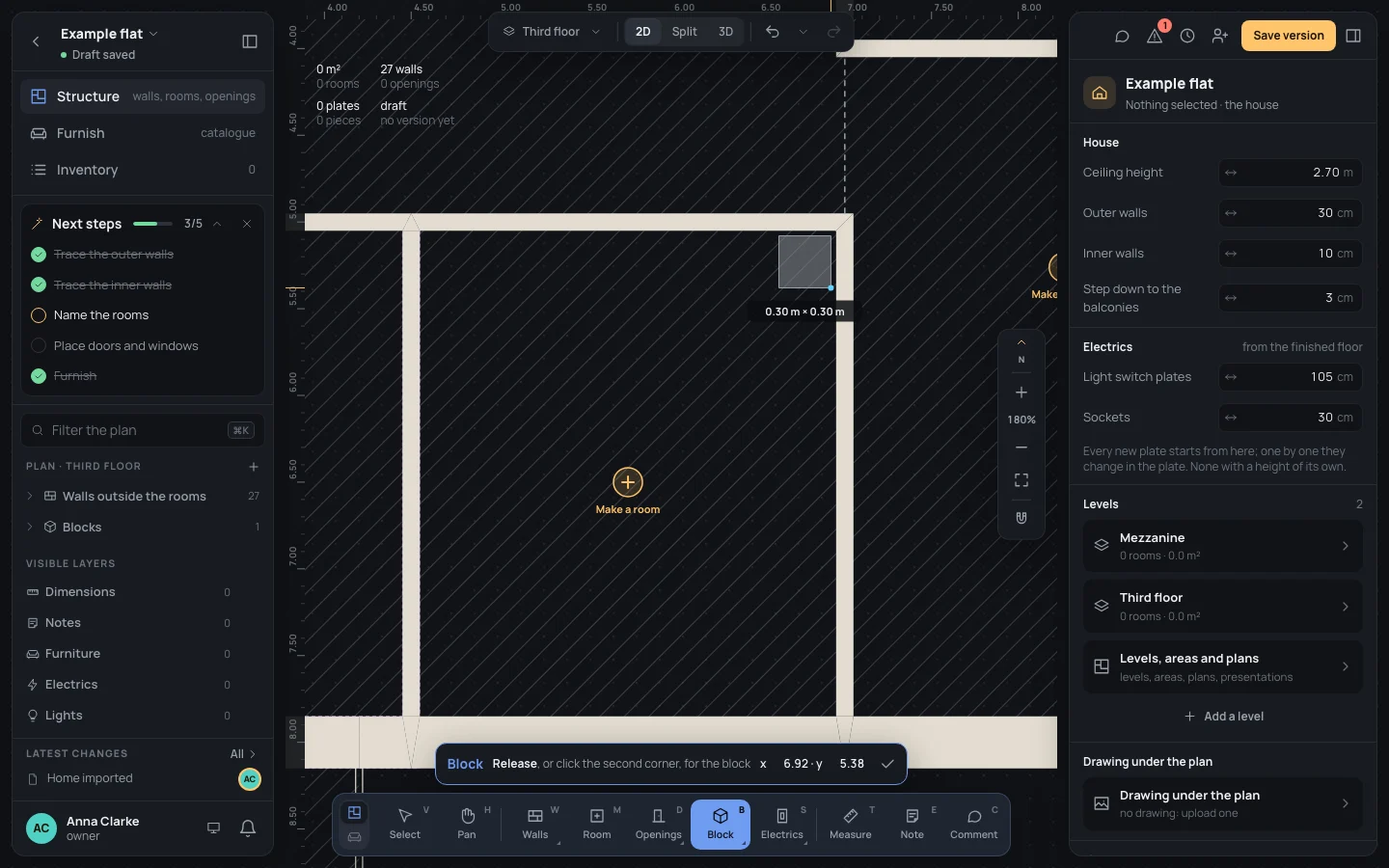
- While you drag, the block shows with its width × depth under it.
- Release, or click the second corner: the block is made.
Keys inside it
Section titled “Keys inside it”- EscEsc: with the first corner placed, drops it; otherwise back to Select. Done (✓): back to Select.
- ⌘Ctrl held: no snapping.
- ␣␣ held: move the view; ⌘Ctrl with the wheel: zoom.
What it snaps to
Section titled “What it snaps to”Both corners snap as a wall’s corner does, within 10 pixels on screen: the walls’ ends and middles, a point on a wall’s centre line, the lines through the ends already there, the grid if it is on. ⌘Ctrl held puts the corner exactly under the pointer. Its sides are always square to the sheet: turn it afterwards in its inspector.
What it refuses
Section titled “What it refuses”A block with no area: both its sides must be longer than the snapping reach (10 pixels on screen). A second click too close to the first starts again from there. Blocks may stand anywhere, over walls and rooms too.
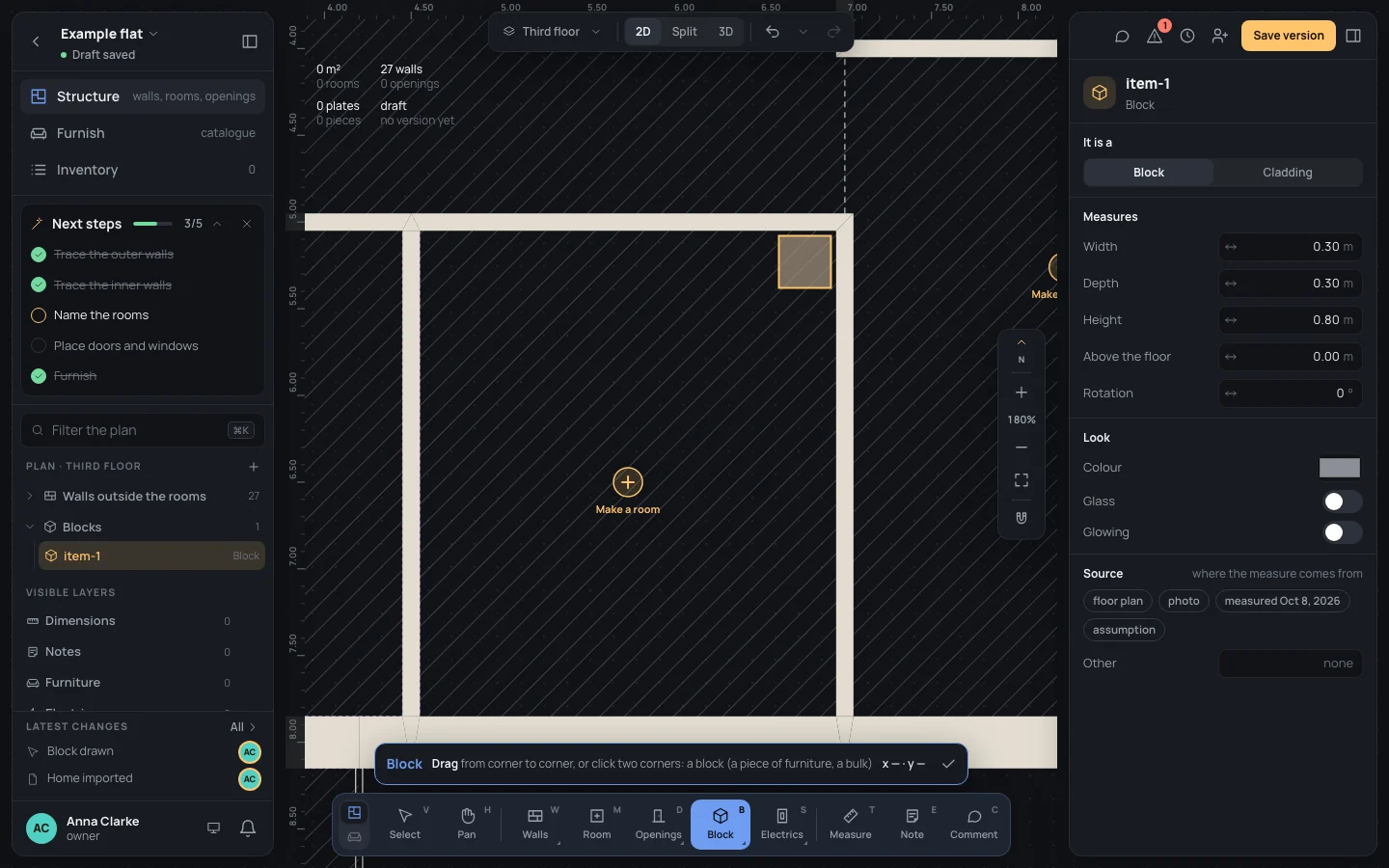
The block is selected and its inspector open; the tool stays on for the next one. A new block is grey, 0.80 m high, on the floor. In the inspector: It is a Block or Cladding, Width, Depth, Height, Above the floor, Rotation, Colour, Glass, Glowing (Elements). One step in the history (Block drawn).
Example: the shaft in the bath
Section titled “Example: the shaft in the bath”On the bare example flat, a 30 × 30 cm shaft for the pipes in the bath’s north-east corner, as high as the ceiling.
- Press BB and zoom on the bath.
- Drag from x 6.62 · y 5.08 to x 6.92 · y 5.38, the inner corner of the walls: the pill reads 0.30 m × 0.30 m.
- In the inspector, type Width
0.30and Depth0.30if they are off, then Height2.70.
If something goes wrong
Section titled “If something goes wrong”- The first corner in the wrong place: EscEsc and start again.
- The wrong size: type it in the inspector (the block grows about its centre), or ⌘ZCtrl+Z.
- A click on a hatched region’s Make a room button makes a room instead: start the block a little away from it.