

Working together live
Everyone you invite (Inviting people) works on the same draft at the same time. Each step anyone takes reaches the others as it happens: there is nothing to save, send or merge.
Saved as you go
Section titled “Saved as you go”Every step you take goes to Blupinta at once. Beside Create version, top right, the draft says where it is:
- Saved: everything you did is in.
- Saving…: a step is on its way.
- Offline: the changes wait (see Offline).
Create version stays off until the draft is saved: what is still on its way must arrive first.
Who else is here
Section titled “Who else is here”The others in the project now are at the top of the right panel, each with their photo or their initials in their colour. Someone with the project open in several windows is there once, with how many in a small badge: following them follows the window they moved in last. Your own other windows aren’t shown. In the Share window they are here now.
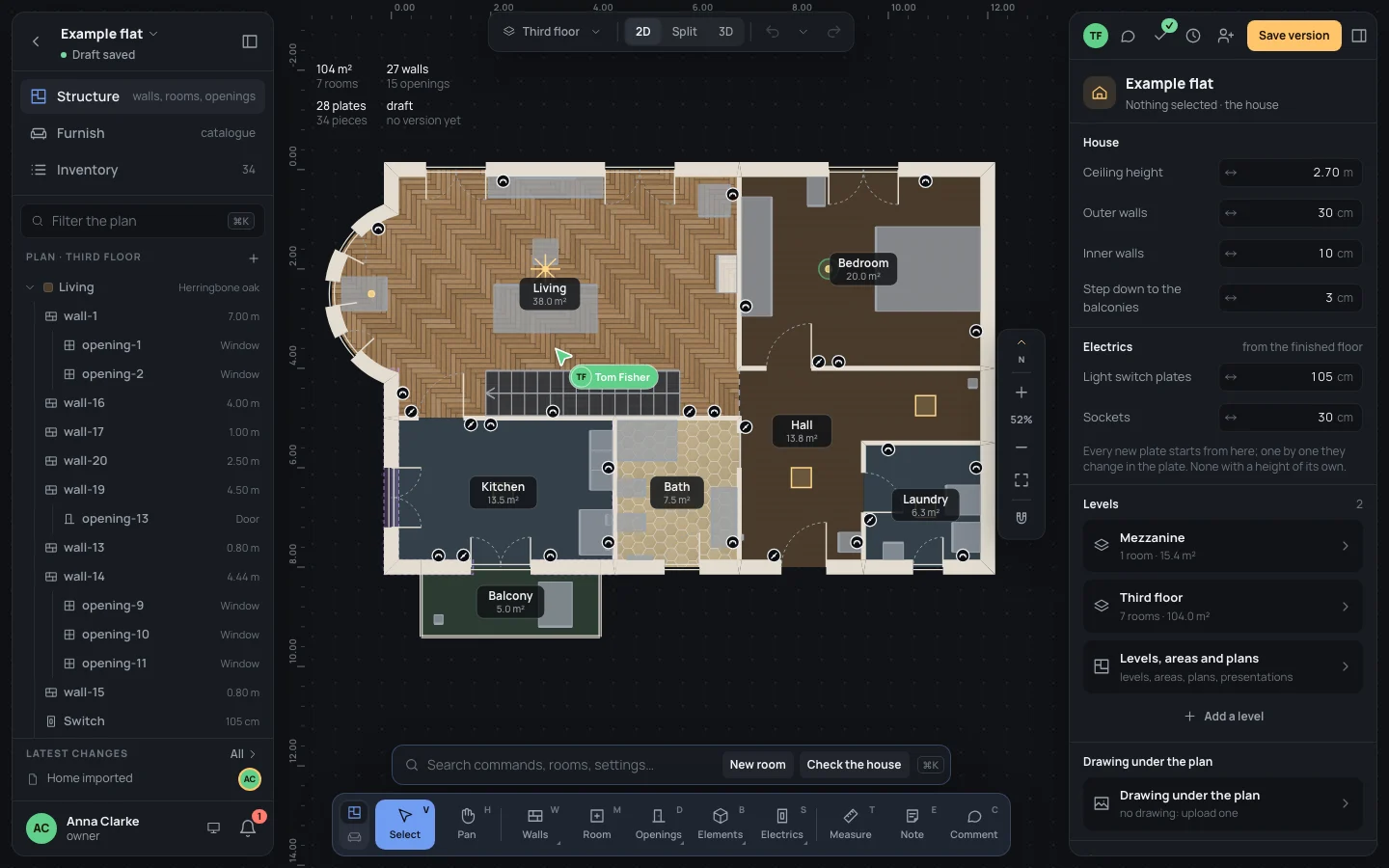
On the plan you see where they are, if they are on the same plan as you:
- their pointer, in their colour, with a label holding their face, their name and the tool in their hand (when it isn’t Select or Pan). It glides smoothly even on a slow or uneven connection; after a few seconds still, the label folds to their face alone;
- each click of theirs, as a ring spreading where it lands;
- what they selected, outlined in their colour.
If someone points somewhere outside your view, their face waits at the edge of the plan with a small arrow toward them: click it and your view glides there, as close as it is.
A viewer is there too, and sees every change as it is made.
Following someone
Section titled “Following someone”Following makes your view go where theirs goes: their plan, the same middle and the same zoom.
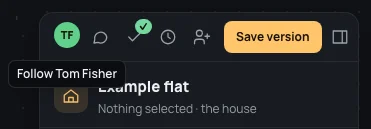
- Click their face at the top of the right panel: the tip says Follow Tom Fisher.
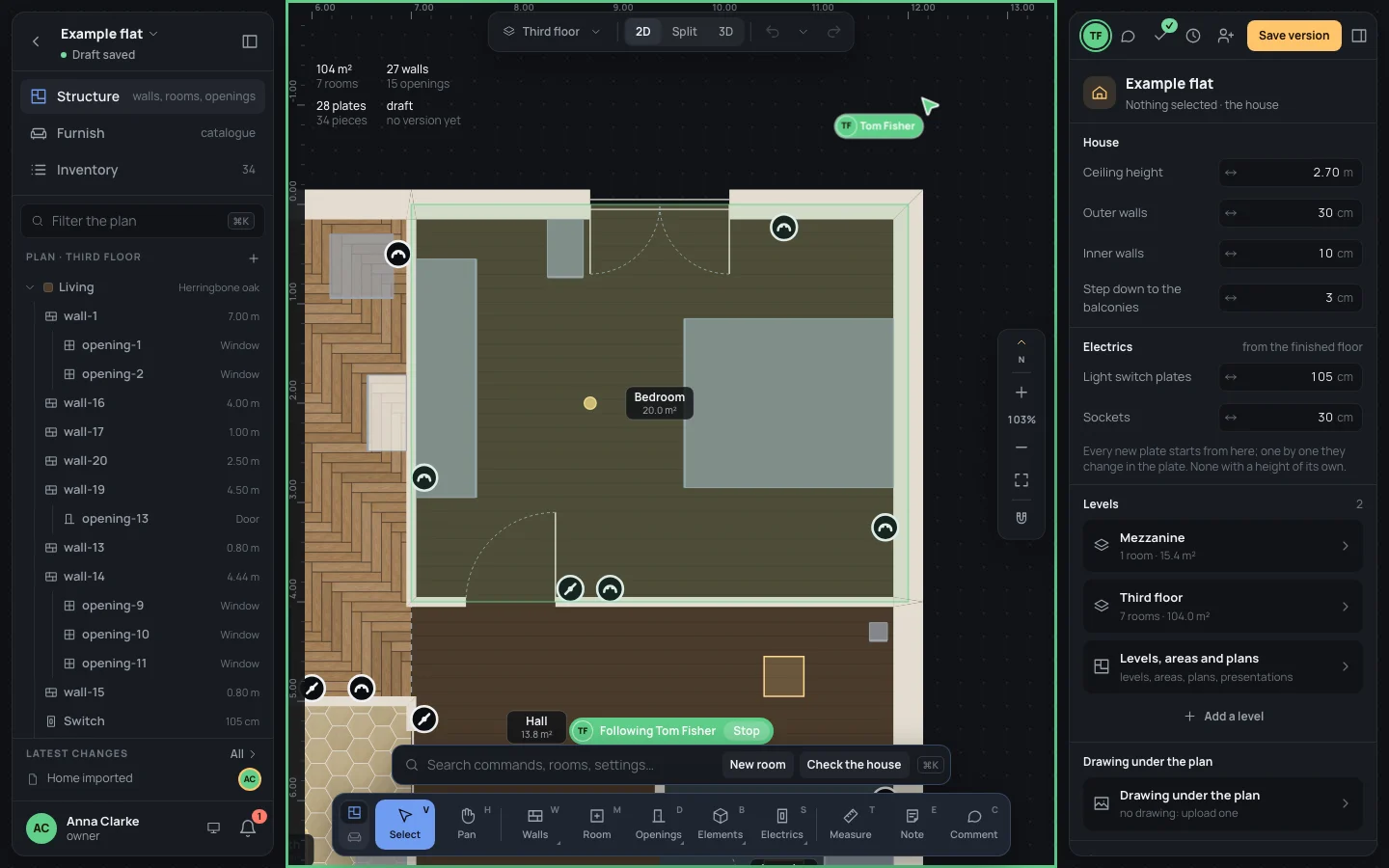
- Your view moves with theirs. While you follow, the plan is framed in their colour, their face is ringed in it, and a label at the bottom of the plan says Following Tom Fisher.
- Click Stop on that label, or their face again (Stop following Tom Fisher), or move the view yourself (scroll, drag, zoom, ⇧1Shift+1): you stop following.
For example, follow Tom while he frames the bedroom (he selects it and presses ⇧2Shift+2): your view zooms on the bedroom with his.
If they leave the project, you stop following them.
Undoing your own steps
Section titled “Undoing your own steps”⌘ZCtrl+Z undoes your last step, never someone else’s; ⇧⌘ZCtrl+Shift+Zor⌘YCtrl+Y does it again. What the others did since stays as it is.
When someone changed part of your step after you, undoing takes back only the rest, and says so. For example: you select two lights and move both 10 cm to the right (⇧→Shift+→); then Tom moves one of them. ⌘ZCtrl+Z brings back only the light Tom didn’t touch:

Redoing says Partly redone in the same case. Your steps and the others’ are all in the history, with who made each.
Offline
Section titled “Offline”If the connection drops, you keep working: under the project’s name it says Offline: the changes wait. Your steps wait in the page and go, in order, as soon as the connection is back; Blupinta tries again by itself, at once and then less and less often, up to every 15 seconds. While offline you don’t see the others, and they don’t see you.
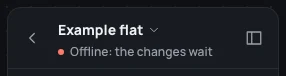
The steps waiting are only in that page: keep it open until it says Saved. If you close it or reload it before then, the browser asks first: leaving would lose them.
A change that isn’t accepted
Section titled “A change that isn’t accepted”Blupinta checks every step before it goes into the draft, as it checks a save. A step it refuses is taken back from your plan and from your history, and it says so:

It happens when you can no longer edit (the owner made you a viewer while your step was on its way, for instance while you were offline), or when a step would leave the home in a shape the format doesn’t allow. Nothing else of yours is touched: do the step again if it still makes sense.
When your role changes
Section titled “When your role changes”If the owner changes your role while you are in the project, your editor follows at once. Made a viewer, you keep seeing the home and the others, but the dock keeps only Select, Pan, Measure and Comment, the fields can’t be changed, and Create version is gone.
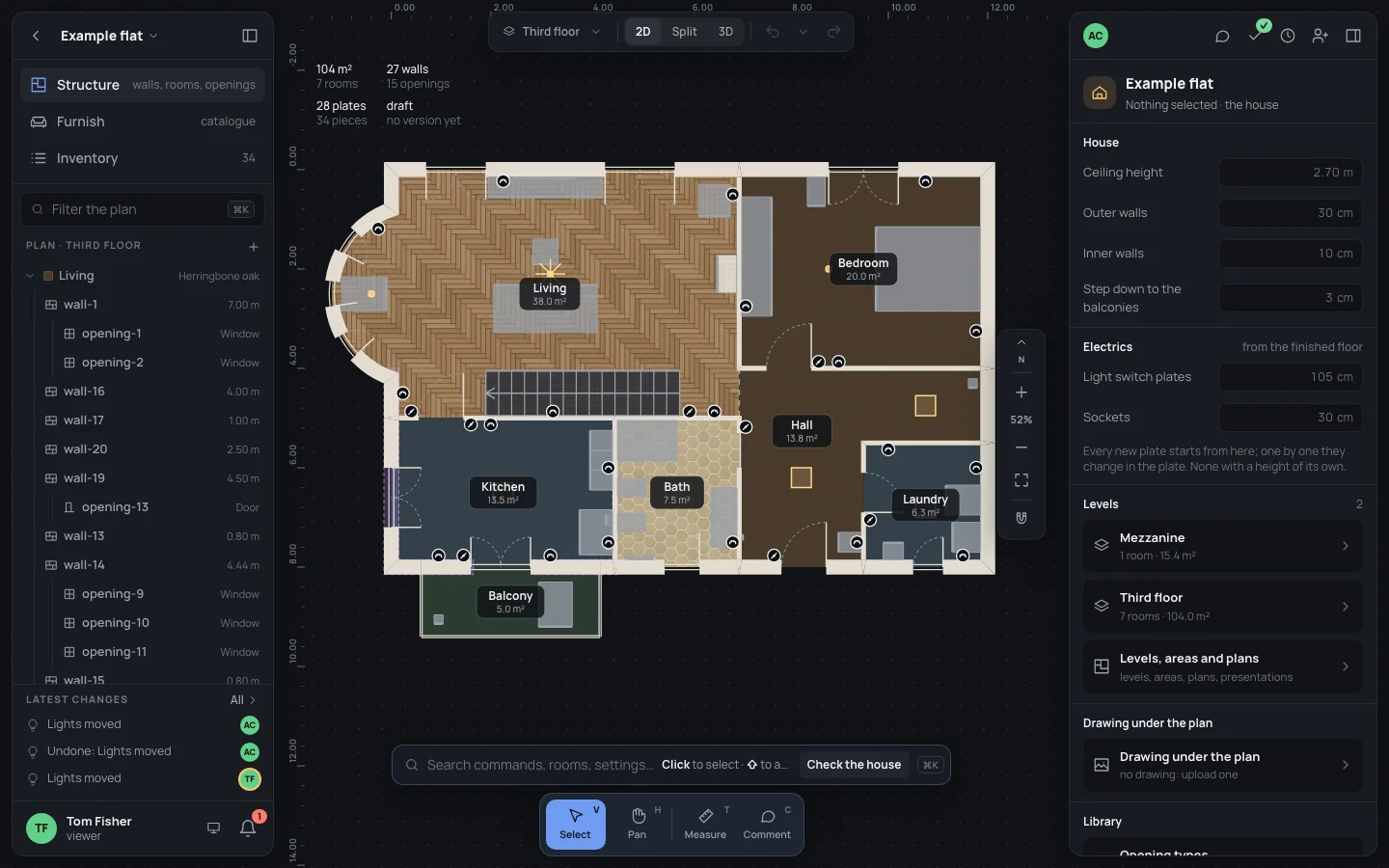
If it happened while you were offline, your editor finds out when you open the project again: reload the page. Removed from the project, you no longer see it.
What can go wrong
Section titled “What can go wrong”- Someone’s change undid yours? It didn’t: each person undoes only their own steps. Look in the history for who changed what.
- You don’t see someone’s pointer. They are on another plan, or in 3D, or offline.
- Offline for long. Keep the page open; the browser asks before you close it, since your steps since Offline would be lost.